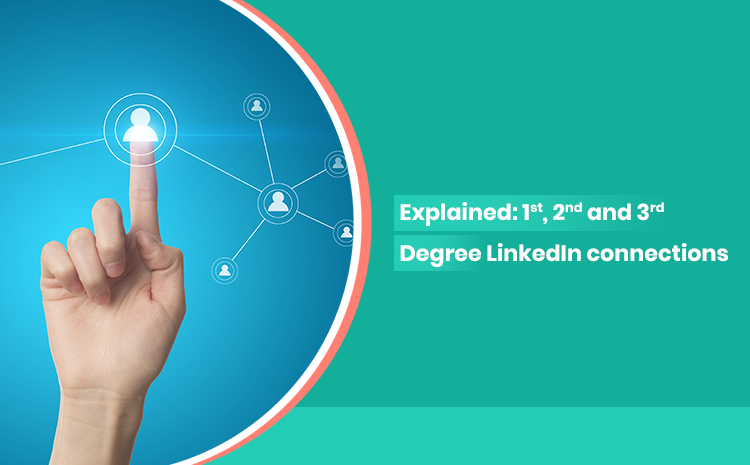
Explained: 1st, 2nd and 3rd Degree LinkedIn connections

Imagine an Alumni party in a high end bar in the city!
Within half an hour of pleasantaries and greetings, people regroup with those with whom they have a sense of familiarity.
Friends stay close, crack jokes and do a major amount of catching up; Acquaintances greet each other and catch up; While the alumni who dont feel that sense of familiarity glance at each other in the hope that a common friend or acquaintance would introduce them to each other.
What happens on LinkedIn?
Now, let’s translate this into LinkedIn’s language
So the friends you meet and feel a long lost connection with are in LinkedIn’s language- 1st Degree LinkedIn connects. Acquaintances are 2nd degree linkedin connects while the strangers glancing at each other (hope there is no enmity) are in LinkedIn’s language – 3rd degree connects.
Let me start with something that happens to almost everyone new to LinkedIn.
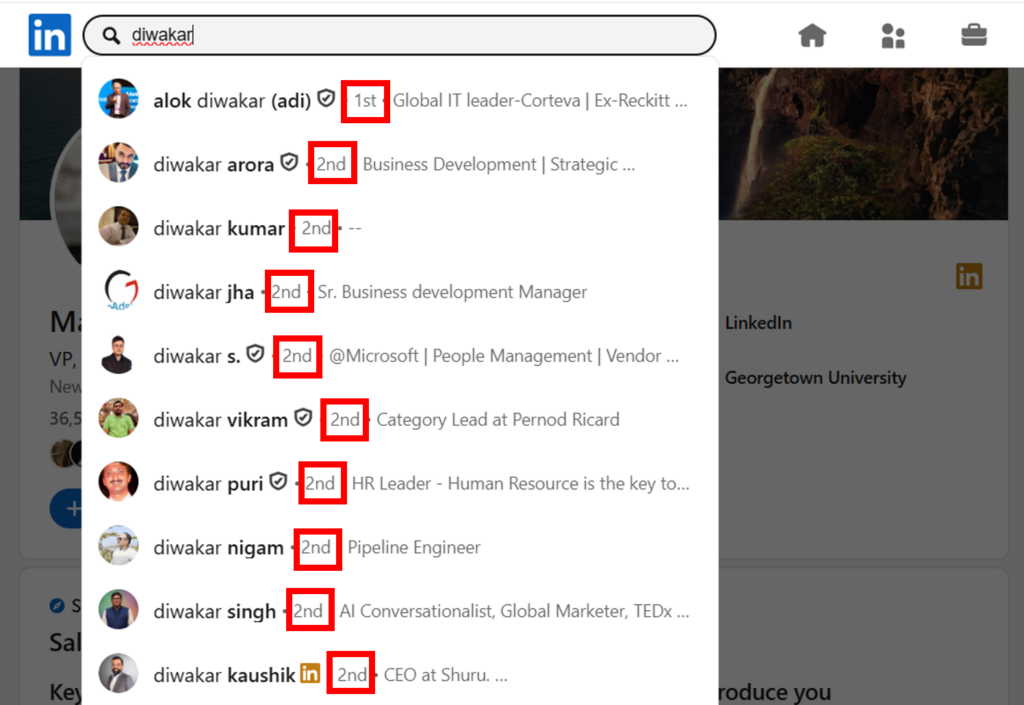
You search for someone, find their profile, and notice a small badge next to their name — 1st, 2nd, or 3rd. You click connect anyway. But what did that number actually mean?
These aren’t ranks or ratings. They’re degrees of separation — LinkedIn’s way of showing you how close you already are to someone in the professional world.
Here’s what each one means, and why it matters more than most people realise.
1st Degree LinkedIn— You’re already connected
A 1st degree connection is someone who has accepted your connection request, or whose request you’ve accepted. Simple.
What that unlocks is worth paying attention to:
- You can message them directly, for free, anytime. No credits, no workaround needed.
- If they’ve added their contact details to their profile — email, phone number, website — you can see those too. Just click “Contact Info” on their profile.
- LinkedIn caps your total connections at 30,000. After that, people can follow you but can’t connect.
Most people don’t realise that. Your 1st degree network is also your most accessible network.
2nd Degree LinkedIn — A friend of a friend
You’re not connected to this person directly, but someone in your network is. When you open their profile, LinkedIn shows you the mutual connections you share — usually right above the Connect button.
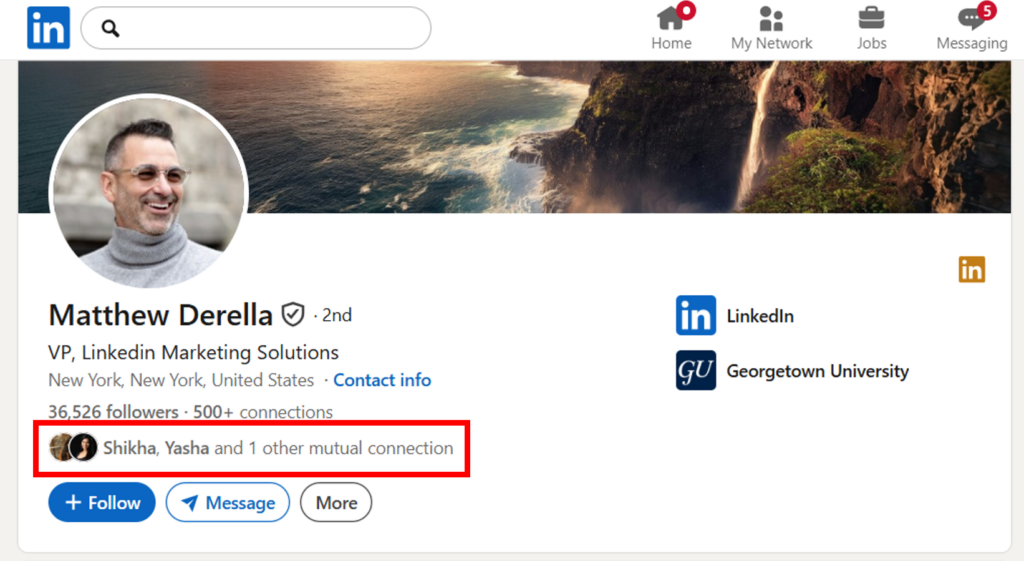
To message a 2nd degree connection, you need to send a connection request first and wait for them to accept. Alternatively, if you’re on LinkedIn Premium, you can skip the queue and reach them via InMail directly.
There’s one quiet shortcut most people miss: if you’re both members of the same LinkedIn Group, you can message each other without being connected — even on a free account.
3rd Degree LinkedIn— A stranger, but not quite
A 3rd degree connection is someone connected to your 2nd degree connections. You likely have no mutual connections with them, or just one or two.
You can still send them a connection request. And if they have an open profile or you’re on Premium, InMail is an option here too.
Think of 3rd degree as the outer edge of your professional world — people you haven’t met yet, but who aren’t entirely unreachable either.
Here are a few previously written blog posts on building linkedin community
+3rd — Further out still
Beyond 3rd degree, LinkedIn simply shows “+3rd.” These are people with no meaningful proximity to you in the network. Reaching them requires either a mutual group, InMail, or a chain of introductions.
Most of us will never need to think about +3rd unless we’re doing very targeted outreach in niche industries.
A few things to know before you hit “Connect” 100 times
LinkedIn limits how many connection requests you can send. For free accounts, that’s roughly 100 per week — though LinkedIn doesn’t publish the exact number and it can vary by account history and activity. Spam the button carelessly and LinkedIn will slow you down, or worse, flag your account.
One thing worth knowing:
If you withdraw a connection request, you can’t re-send it to the same person for three weeks.
And if enough people hit (how many such people is still not known) “I don’t know this person” on your requests, your account can get restricted.
Connection requests also don’t last forever. If someone doesn’t respond within six months, the request expires automatically.
The cleanest advice here is also the oldest: connect with intent.
A targeted request to someone relevant beats fifty requests to strangers every time.
The one thing people get wrong about LinkedIn networking
Most people treat connection requests like cold emails — volume game, spray and hope.
LinkedIn’s structure is actually built around the opposite idea. The closer your degree of connection to someone, the more doors open. A warm introduction through a mutual 1st degree connection will almost always outperform a cold InMail to a stranger.
So before you reach out to someone at the 3rd degree LinkedIn, check who you both know in common. Ask for an introduction. Use the network you already have to reach the network you want.
That’s not a feature. That’s the whole point of the platform.
Authors